Key takeaways
- A walkthrough is how we design a system before we quote it: we look at the space, talk through what you want it to do, and take the measurements a real quote needs.
- A home walkthrough usually takes under an hour. Bigger or multi-area jobs can run longer, and we'll tell you what to expect when we book it.
- Afterward you get a written scope and a fixed quote. The walkthrough is free, and there's no obligation to go ahead.
- You don't have to buy hardware from us: if your equipment is standards-compatible and in good shape, we'll design around it.
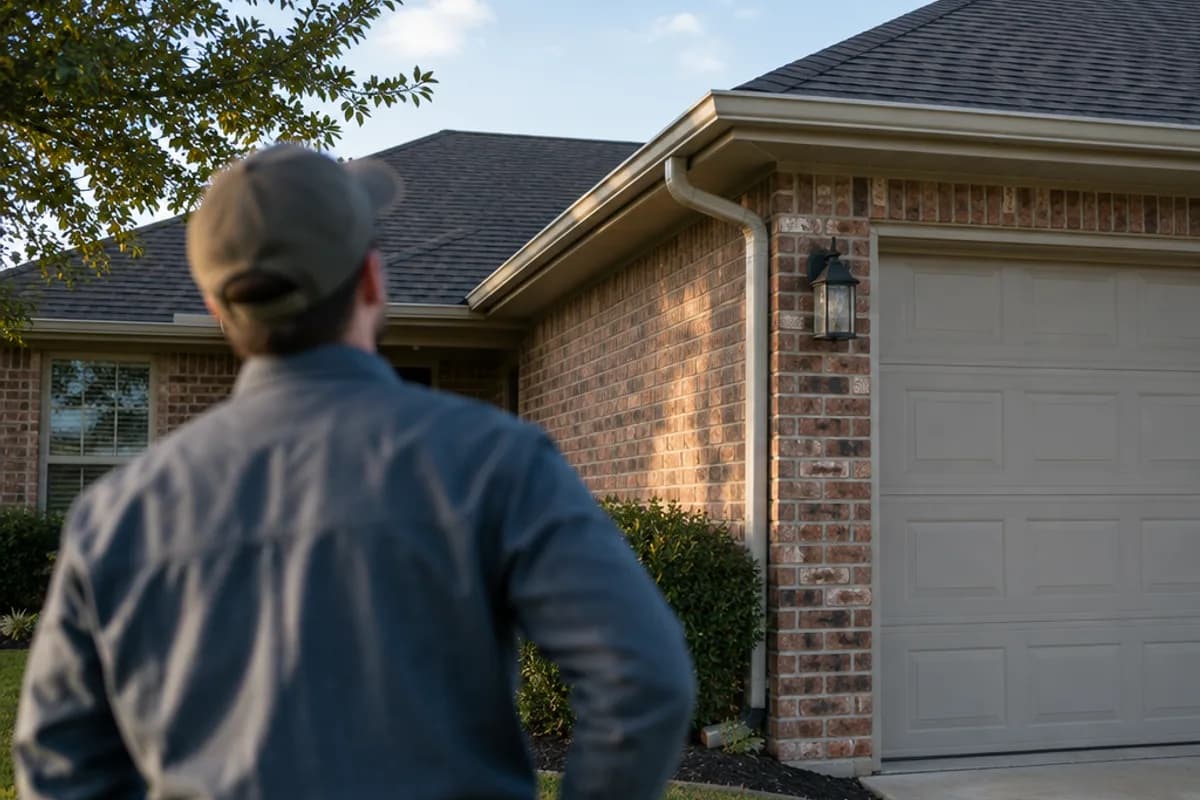
Every system we install starts the same way: with a visit to the property before anyone talks about price. We call it a walkthrough. It's free, it carries no obligation, and it's the reason our quotes are fixed prices rather than estimates that grow once the work starts.
Here's what actually happens, what to have ready, and what you'll have in hand afterward.
What a walkthrough is for
Quoting a camera system, whole-home audio or network cabling over the phone means guessing: at cable routes, at mounting heights, at what's behind the drywall. We'd rather not guess. The walkthrough lets us design the system for your building first, and price it second.
It's also genuinely useful if you haven't decided anything yet. It's a conversation about what you want the system to do, with someone who installs this equipment for a living — not a sales pitch.
What we look at
We walk the property with you. What we focus on depends on the job:
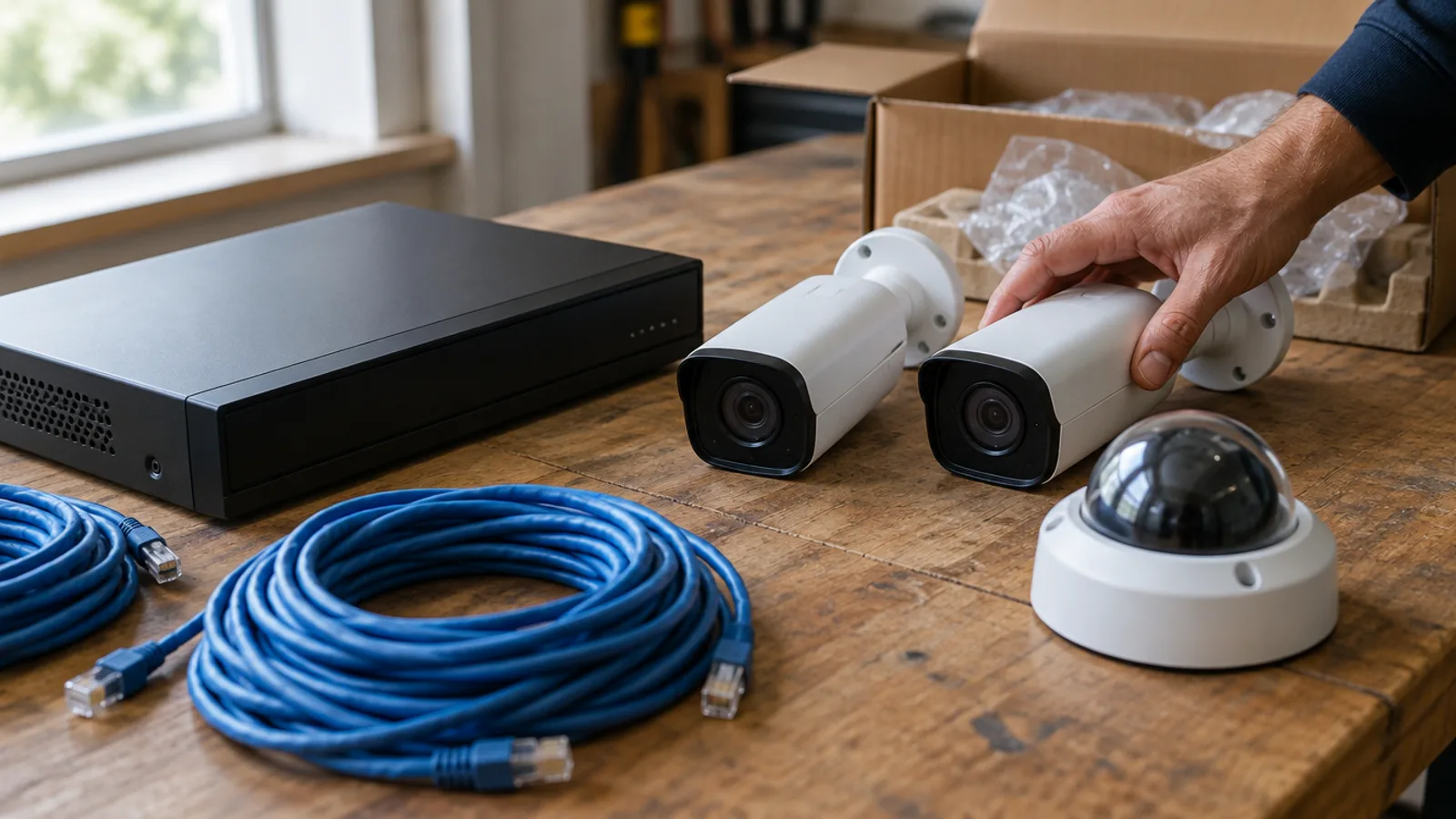
- Camera systems: the approaches to the property, blind spots, the views you want covered, and where a recorder can live
- Audio and home theater: the rooms you want sound in, seating positions, where speakers and a subwoofer can go
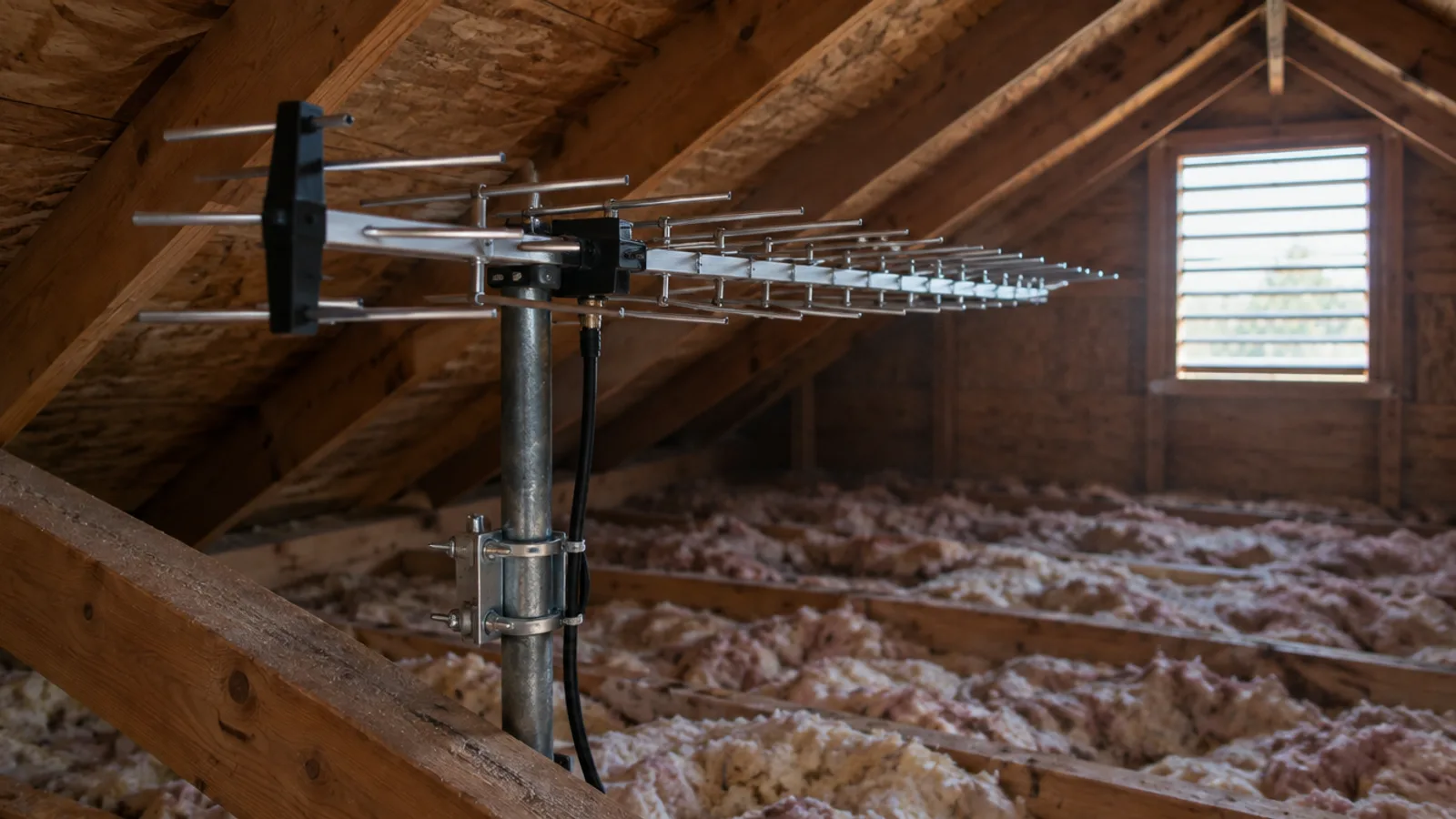
- TV and antennas: the attic or roof, existing coax runs, and how many TVs you're feeding
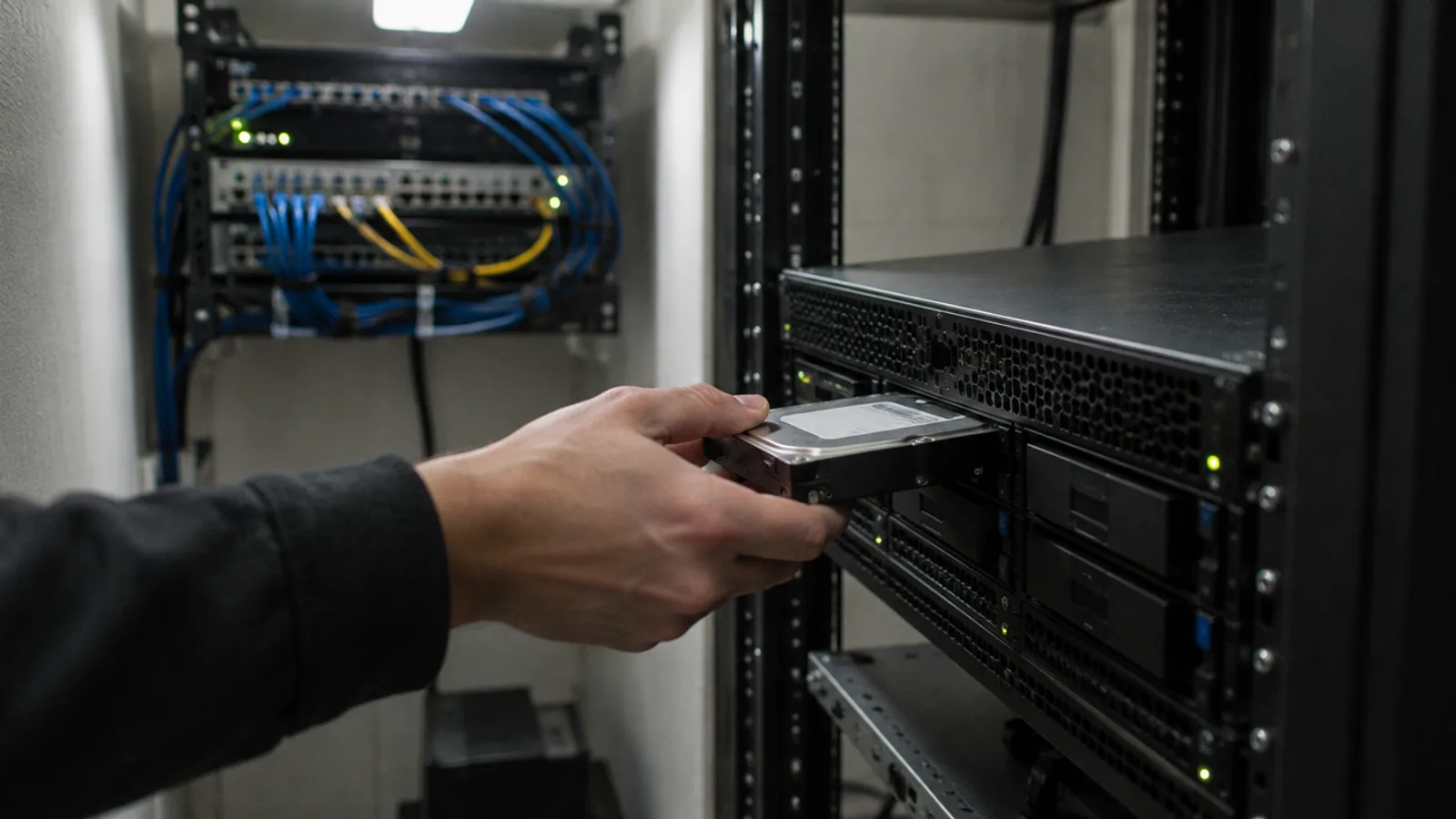
- Networking: where the internet comes in, where a network closet can go, and the spots that need a wired connection or better Wi-Fi
- Existing equipment: anything already installed, so we can tell you what can be kept
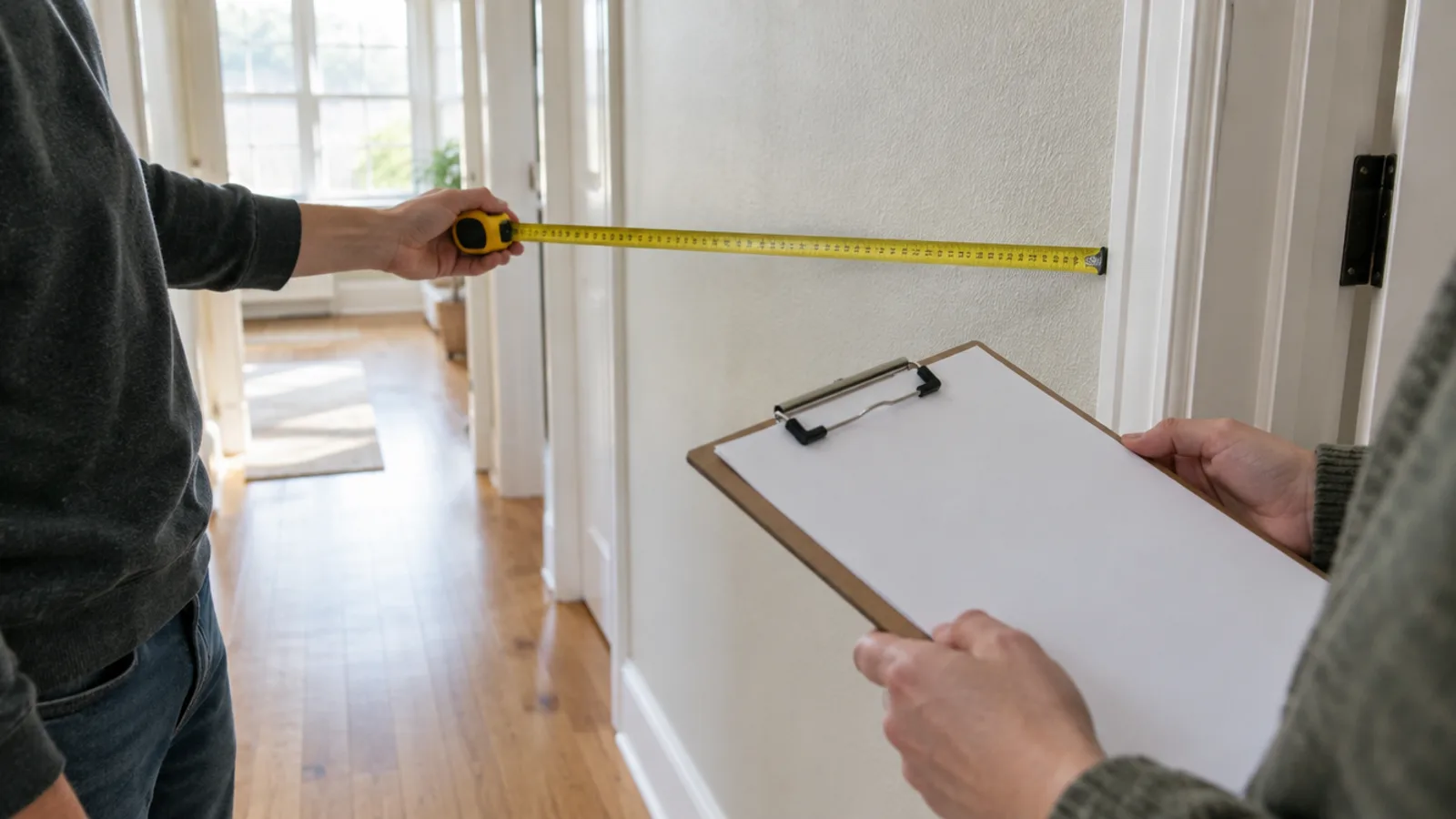
We take the measurements and photos a real quote needs, and we check whether any existing wiring and hardware is compatible with what you want to add.
Homes and businesses
The walkthrough works the same way for a business as for a home, with a different checklist. At a shop or office we look at the entrances and the register, the IT closet, where cable can run above a ceiling, and how the space is used during opening hours. The goal is the same: a design that fits the building, and a quote that reflects what the job actually involves.
If you already have a system
Plenty of walkthroughs start with a system someone else installed. We take on service and repair for systems we didn't originally install, and a walkthrough is how we understand what's there. Mixing new with old is common: a new recorder with the cameras you already have, or new speakers on existing wiring. We check compatibility on site so the parts actually work together.
Sometimes the honest answer is that a system is worth replacing rather than repairing. If that's the case, we'll say so — and explain why.
What we'll talk through
The questions are about outcomes, not model numbers:
- Where do you want coverage, and what do you want to be able to see?
- How long do you want camera footage kept?
- Which rooms need sound, and how should each one be controlled?
- What should be one tap instead of five?
How long it takes
A walkthrough for a home is usually under an hour. Bigger or multi-area jobs can run longer — we'll tell you what to expect when we confirm the time.
What to have ready
You don't need to prepare much, but a few things make the visit more useful:
- A short list of goals — even rough ones, like "see the driveway" or "music in the kitchen and patio"
- Access to the attic, garage, network or electrical closet, and any existing equipment
- Details of equipment you already own, if you'd like to keep using it
- The approximate size of the property, which also matters for the service-area policy below
Bringing your own hardware
You don't have to buy your hardware from us. If you already own cameras, a recorder, speakers or other equipment, bring it into the plan: if it's standards-compatible and in good shape, we'll design around it and install it properly. We'll tell you plainly if a specific piece is holding the system back.
What you get afterward
After we've seen the space, you get the system on paper: a written scope — placement, equipment, and why — and a fixed quote. There's no obligation to go ahead, and nothing is charged for the walkthrough.
If you've already ordered hardware in our shop with installation requested, the same applies: Installation isn't charged today. Aji quotes it after a free walkthrough.
If you decide to go ahead
Nothing happens until you've approved the quote. Once you have, we schedule the installation. As a guide, a few cameras and a recorder is often a single day, while whole-property coverage or structured cabling can run several days depending on the property. We give you a realistic window at the walkthrough rather than a guess over the phone.
You're also free to buy the hardware and install it yourself. Installation is always optional, never bundled, and the walkthrough doesn't commit you to it.
Scheduling and hours
Our standard hours are Monday to Friday, 8:00am – 6:00pm. Visits outside those hours carry a fixed fee, subject to availability:
| When | Fee |
|---|---|
| Monday to Friday, 8:00am – 6:00pm | No surcharge |
| Weekdays before 8:00am or after 6:00pm | +$150 |
| Saturday or Sunday | +$250 |
The booking form shows the fee next to each time window before you send the request.
Where we work
We're based in Dallas–Fort Worth and cover the metroplex. For properties farther out, one policy applies: Installation more than 80 miles from Dallas–Fort Worth is available for jobs of 1,800 sq ft or more. Travel and accommodation are quoted per job.
Booking a walkthrough
Use the booking form — it takes a minute — or call (972) 654-6973. We'll confirm the time and tell you what to expect for your property.
Sources
- Book a walkthrough — MasterVizion Technologies
- Frequently asked questions — MasterVizion Technologies
- Service areas — MasterVizion Technologies
- Services — MasterVizion Technologies