
Shop · Video surveillance
See what happens on your property.
Cameras, recorders, and storage designed so the fields of view overlap — a plate and a face on the same event, and footage that's still there weeks later.
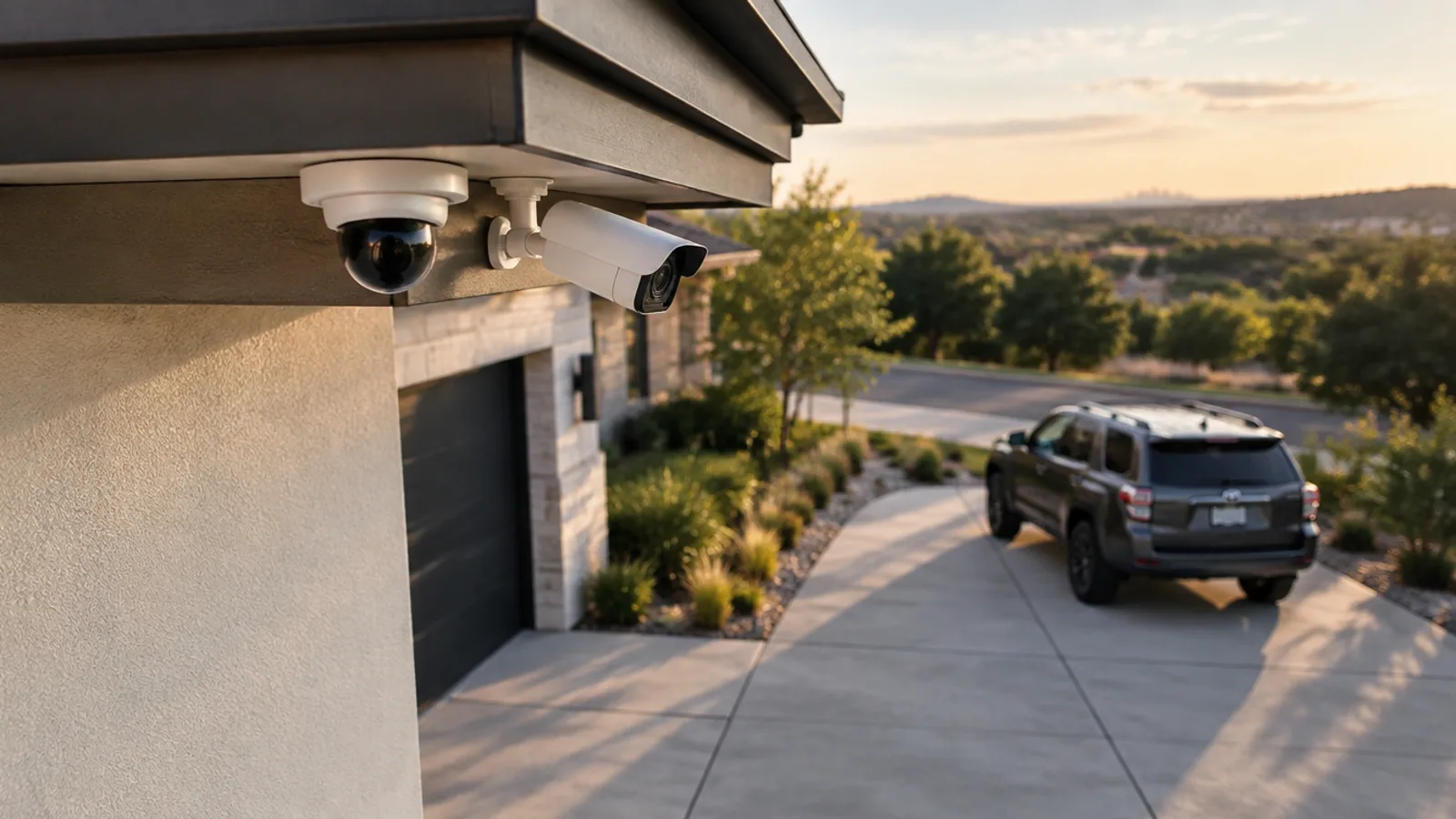
Video surveillance products
Loading products…
How to choose
Choosing video surveillance
The honest trade-offs that actually matter — so you spend where it counts and skip what doesn't.
Resolution vs storage
Higher resolution catches more detail but fills a drive faster. Match resolution to what you actually need to read — a plate at the gate needs more than a wide yard view — and size storage to the days of retention you want.
Indoor vs outdoor
Outdoor cameras are weather- and glare-rated for a Texas summer and a dark night; indoor cameras can be smaller and more discreet. Choose per location, not one model everywhere.
Field of view
A wide lens covers more but shrinks detail; a narrow lens reads a plate but sees less. Overlap two fields of view at the choke points so one catches the face while the other catches the plate.
How many cameras
Most homes land around four to eight for doors, driveway and yard approaches. More cameras isn't more coverage if the angles don't overlap — count the events you want to catch, not the walls.
What we'd pair with this
Complete the system
A working system is more than one category. These are the pieces that most often finish the job.
- Networking & structured cablingThe wired backbone your cameras, TVs and Wi-Fi quietly depend on — pulled clean, labeled, tested, and finished with the plates that make it look done.Shop networking & structured cabling →
- Video, TV & antennasClean displays and free local channels — screens hung square with the cable hidden, and over-the-air antennas aimed for your address.Shop video, tv & antennas →
Common questions
Video surveillance — questions people ask
How many cameras do I need?
It depends on the property and what you want to see, not a rule of thumb. Most homes land around four to eight to cover doors, driveway, and yard approaches with the overlap that actually catches an event. We map it at the walkthrough and tell you honestly where another camera earns its place and where it's just another feed to scroll past.
Indoor or outdoor cameras — what's the difference?
Outdoor cameras are weather- and glare-rated to run through heat, rain, and a dark night; indoor cameras can be smaller and more discreet because they aren't fighting the elements. We choose per location rather than one model everywhere, so each camera is right for where it sits.
How long is footage kept?
As long as the storage you choose allows. Retention is a trade of camera count, resolution, and drive size — we size the drive to the number of days you want to be able to look back, and the oldest footage rolls off automatically once it's full.
Can I view the cameras on my phone?
Yes. Every system is set up with a mobile app so you can watch the live view and play back recorded footage from anywhere. We configure the remote access securely so your feed reaches you without leaving the recorder exposed.
Do the cameras record audio?
Some cameras can, and whether that's appropriate depends on where they are and Texas law on recording conversations. We set audio to match what's sensible and legal for each location, and we'll talk it through at the walkthrough rather than leaving it on by default.
What internet do the cameras need?
Recording itself happens locally on the NVR or DVR and keeps working even if your internet drops. Internet is only needed for remote viewing on your phone — a normal home connection is plenty, since the app streams on demand rather than uploading everything.
Do you sell cameras without installation?
Yes. Everything in the surveillance shop is real hardware you can buy and take delivery of on its own — a single camera, a recorder, a drive, or a full camera-and-recorder kit. Professional installation is an option you add if you want it, never forced.
Can you work with cameras I already own?
Often yes. If your existing cameras are standards-compatible and in good shape, we can fold them into a new recorder and design around them rather than making you rip and replace. We'll tell you honestly at the walkthrough if a camera is holding the system back.
Why is your camera more expensive than a similar-looking one online?
The box may look identical; the sensor, lens, low-light performance, and firmware support usually aren't. We choose gear we can stand behind for years and service locally — and we tell you what you'd give up with the cheaper look-alike.
Want video surveillance planned for your property?
The walkthrough is free, with no obligation — a written scope and a fixed quote before you decide anything.