Key takeaways
- IP cameras send video as network data over one Ethernet cable that also carries their power (PoE), and record to an NVR.
- HD analog cameras send video over coax to a DVR. Modern HD-over-coax formats give a sharp picture on the same kind of cable older systems used.
- If the building has no camera wiring yet, IP is usually the cleaner install. If good coax already runs to the camera positions, HD analog can upgrade the picture without opening walls.
- Neither is automatically better: the right answer depends on the wiring you have, the detail you need, and how the system might grow.
Almost every camera system sold today falls into one of two families. IP cameras are network devices: they turn the picture into data and send it over an Ethernet cable. HD analog cameras send a video signal down coaxial cable, the same kind of cable that older closed-circuit systems used, but at far higher resolution than those systems could manage.
Both work well. The choice usually comes down to one practical question: what cable is already in the building, and where does it go? This guide explains how each system works, what the recorder does, and when each one makes sense.
How an IP camera system works
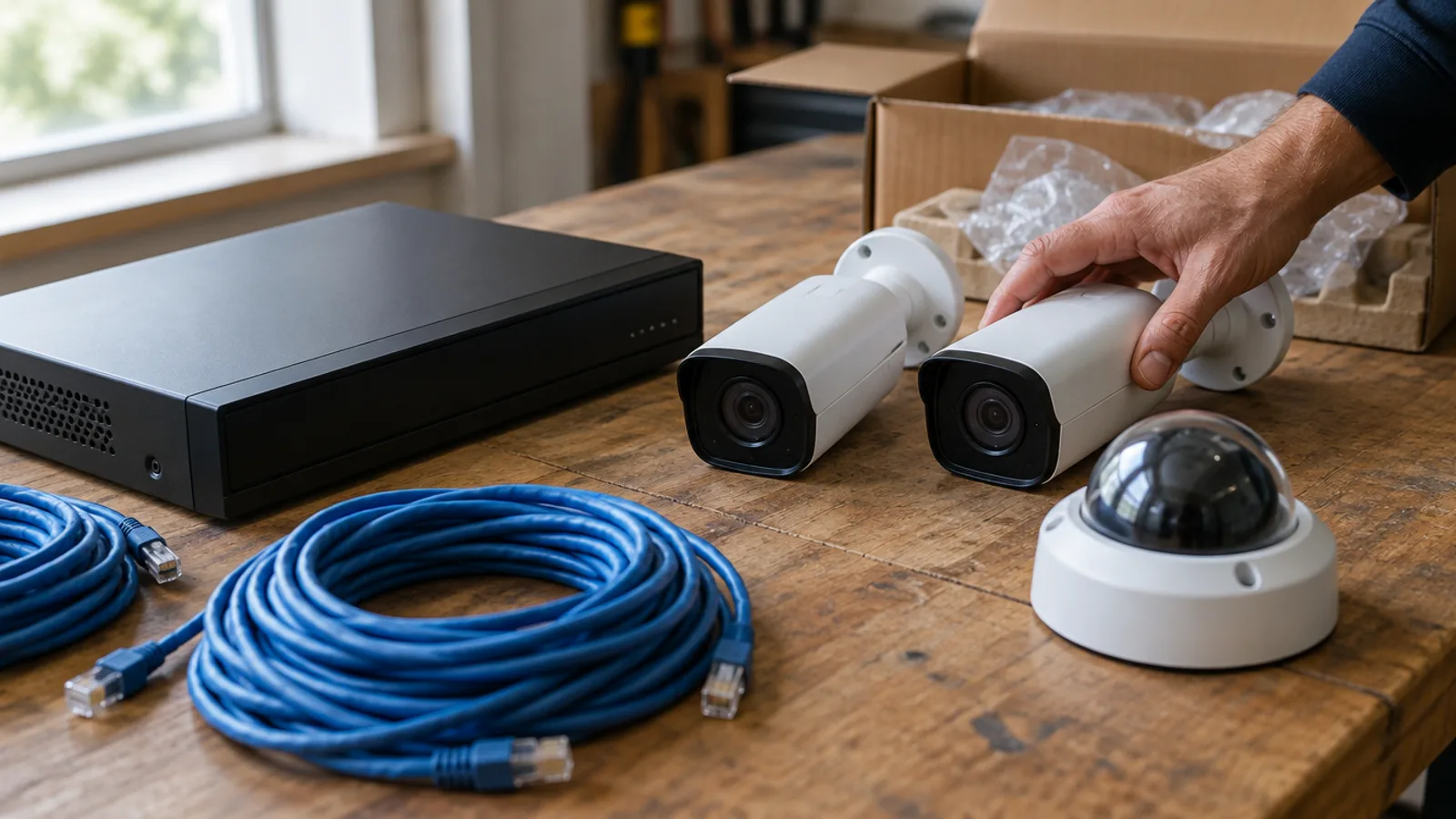
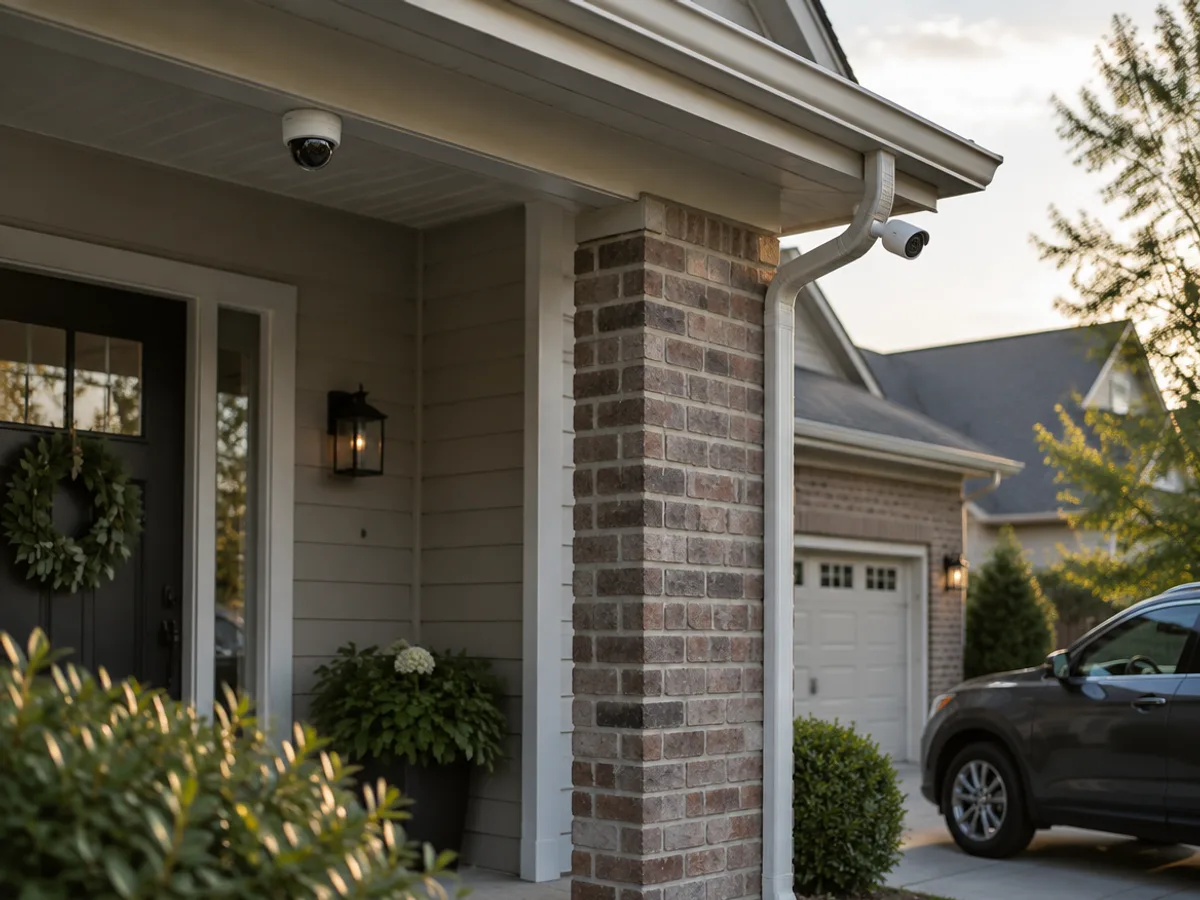
An IP camera is a small computer with a lens. It compresses its own video and sends it across a network cable to a network video recorder (NVR), which stores it and lets you watch live or play back from a screen or a phone app.
The part that makes IP installs tidy is Power over Ethernet (PoE). The same Cat6 cable that carries the video also carries the camera's power, so each camera needs one cable and nothing else. The original PoE standard, IEEE 802.3af, supplies up to 15.4 watts from the switch or recorder port, with 12.95 watts guaranteed at the device, according to PoE equipment maker Phihong. That is plenty for a fixed camera: the IP cameras we sell draw a maximum of 8.5 W (bullet) or 5.5 W (dome) over 802.3af, per their manufacturer's specifications.
Many NVRs, including the one we stock, have the PoE ports built in — one per camera channel. You plug each camera straight into the back of the recorder and it powers up. Axis Communications, a network camera manufacturer, gives 100 meters as the recommended maximum network cable length between the power source and the camera, which covers most homes and small businesses from a central closet.
Kit
Home IP Starter Kit — 4 cameras
Four network cameras and the recorder that powers them — the coverage most houses actually need, on one cable per camera.
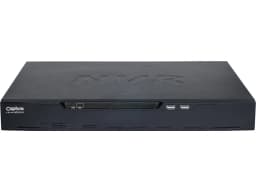 1×1 × Network Video Recorder (NVR)
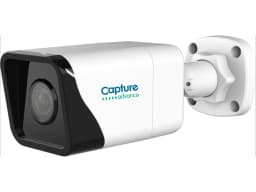 2×2 × IP Camera
- 2×2 × IP Camera
How an HD analog system works
An HD analog camera sends its picture as a video signal over coax to a digital video recorder (DVR). The DVR does the digitizing and compression that an IP camera does for itself.
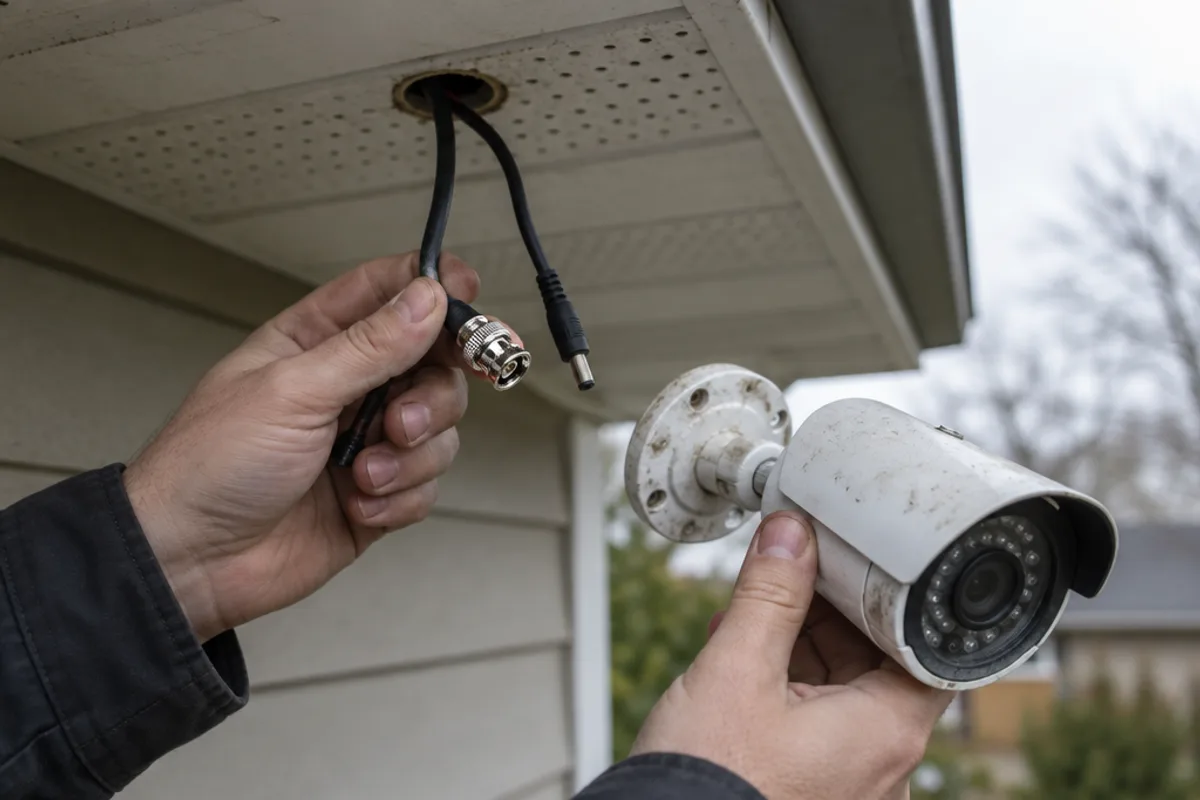
"Analog" here doesn't mean the grainy footage of older systems. Several HD-over-coax formats — AHD, HD-TVI and HD-CVI — carry high-definition video over coaxial cable. Clinton Electronics, a surveillance equipment manufacturer, compared these formats head to head. The DVR we stock accepts AHD, TVI, CVI and the older CVBS standard, so it will work with almost any analog camera, new or already installed, according to its manufacturer's specifications.
Analog cameras usually need power as well as video. It commonly travels alongside the coax in a combined cable, or comes from a local supply near the camera.
NVR vs. DVR: what's the difference?
The recorder follows the camera type:
| NVR (network video recorder) | DVR (digital video recorder) | |
|---|---|---|
| Cameras it records | IP cameras | HD analog cameras (and some IP) |
| Cable to each camera | Ethernet (Cat6) | Coax, usually with a power pair |
| Camera power | Over the network cable (PoE) | Separate power to the camera |
| Where video is compressed | In the camera | In the recorder |
The line isn't completely rigid. The DVR we sell can also take a handful of IP cameras alongside its analog inputs — up to 6 on the 4-channel model, per the manufacturer. That's useful when you want to add one or two network cameras to an existing analog system.
Resolution: how much detail do you need?
Resolution is where the difference in detail shows. The IP cameras we stock come in 5MP (2560×1920) and 8MP (3840×2160). The HD analog cameras come in 2MP (1920×1080) and 5MP (2560×1920).
More pixels let you zoom into a recording and still recognize what you're looking at — a face at the door, a vehicle in the driveway. But resolution isn't the only factor. Lens angle, lighting and where the camera is mounted matter just as much. A 2MP camera watching a narrow doorway can show more useful detail than an 8MP camera covering a whole yard. That's why we plan camera positions on site instead of choosing from a spec sheet.
Higher resolution also means more data to store. We cover that in our guide to how much recording storage a camera system needs.
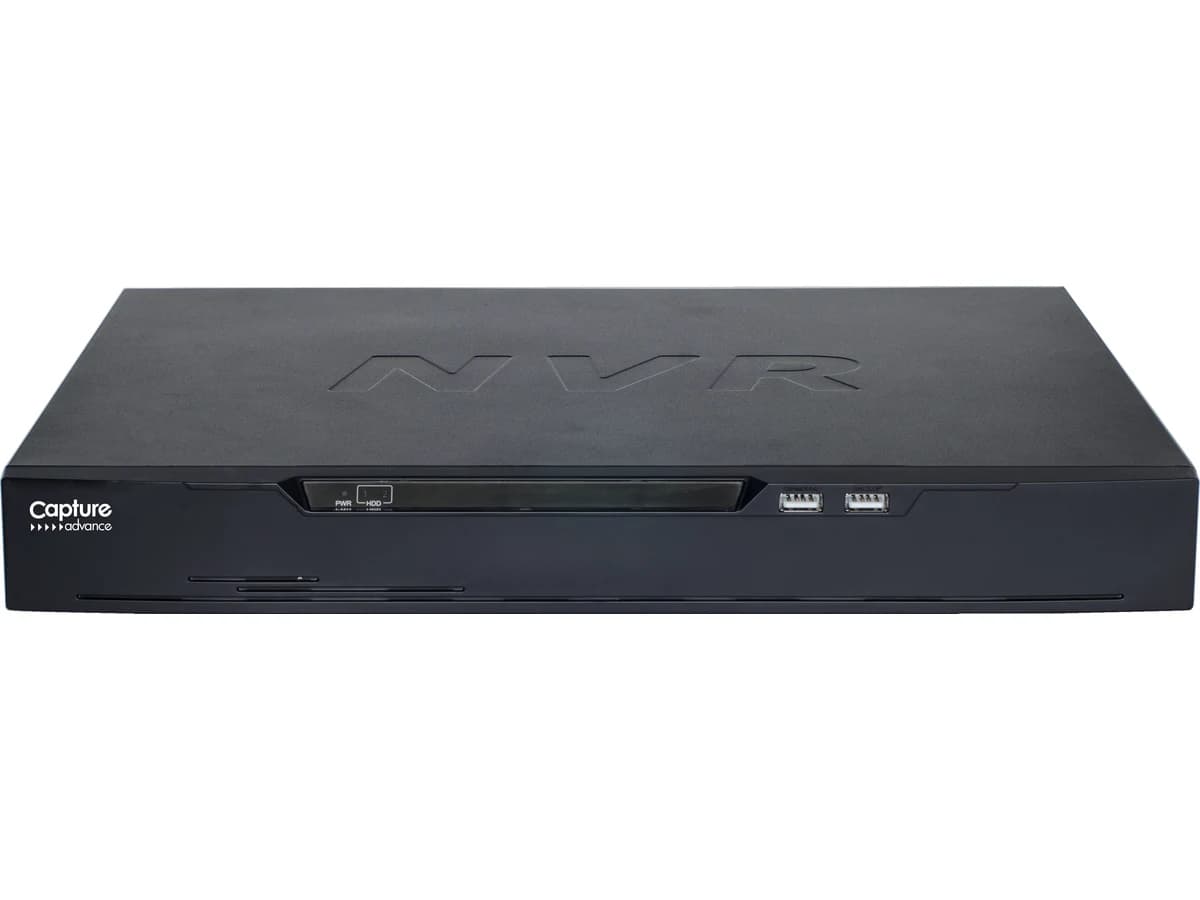
Capture Advance
Network Video Recorder (NVR)
The box that powers your IP cameras over their network cable and keeps the footage — so there's something to look back at weeks later.
- 8MP
- 4CH–16CH
- install available
Upgrading without rewiring
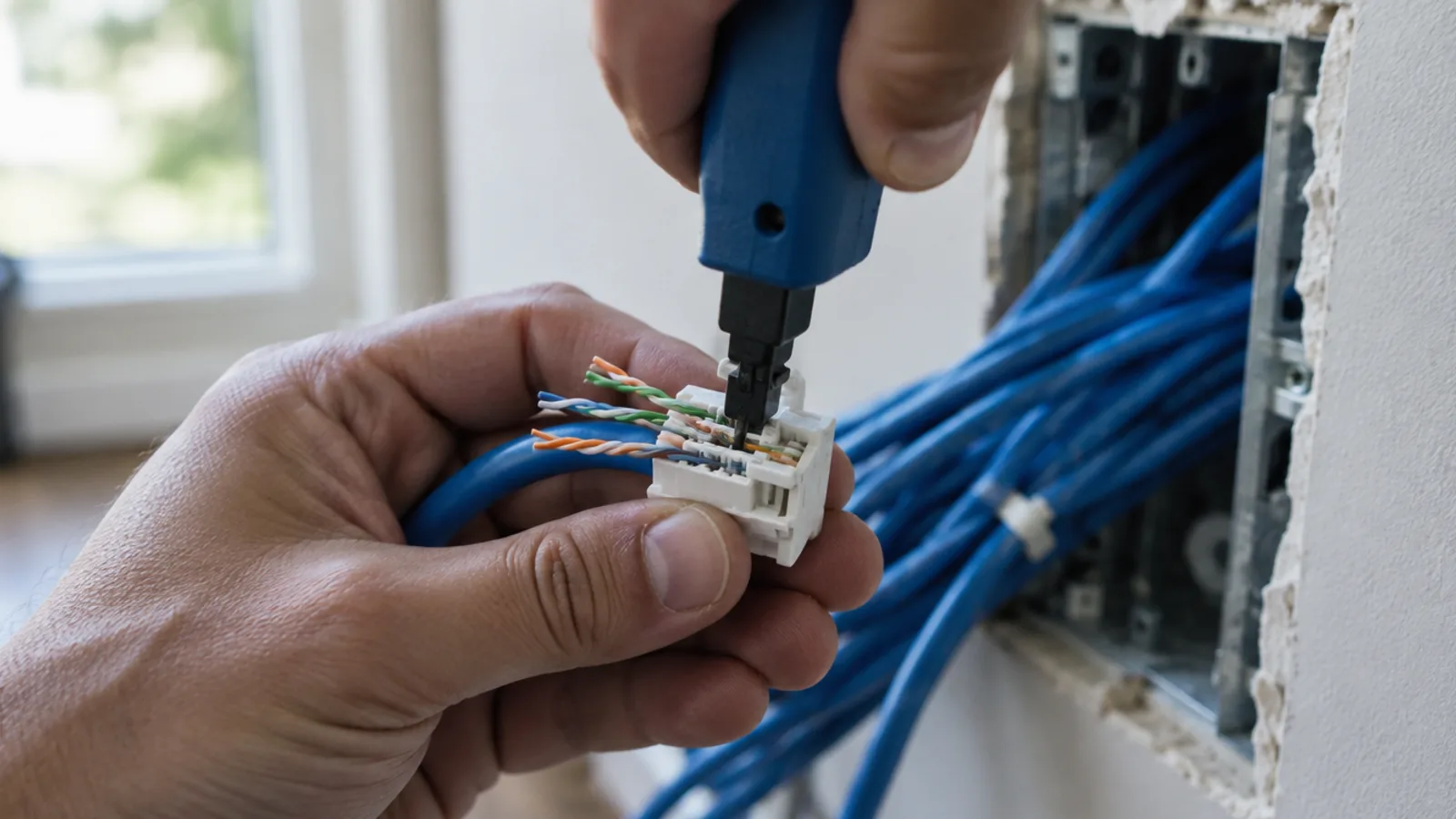
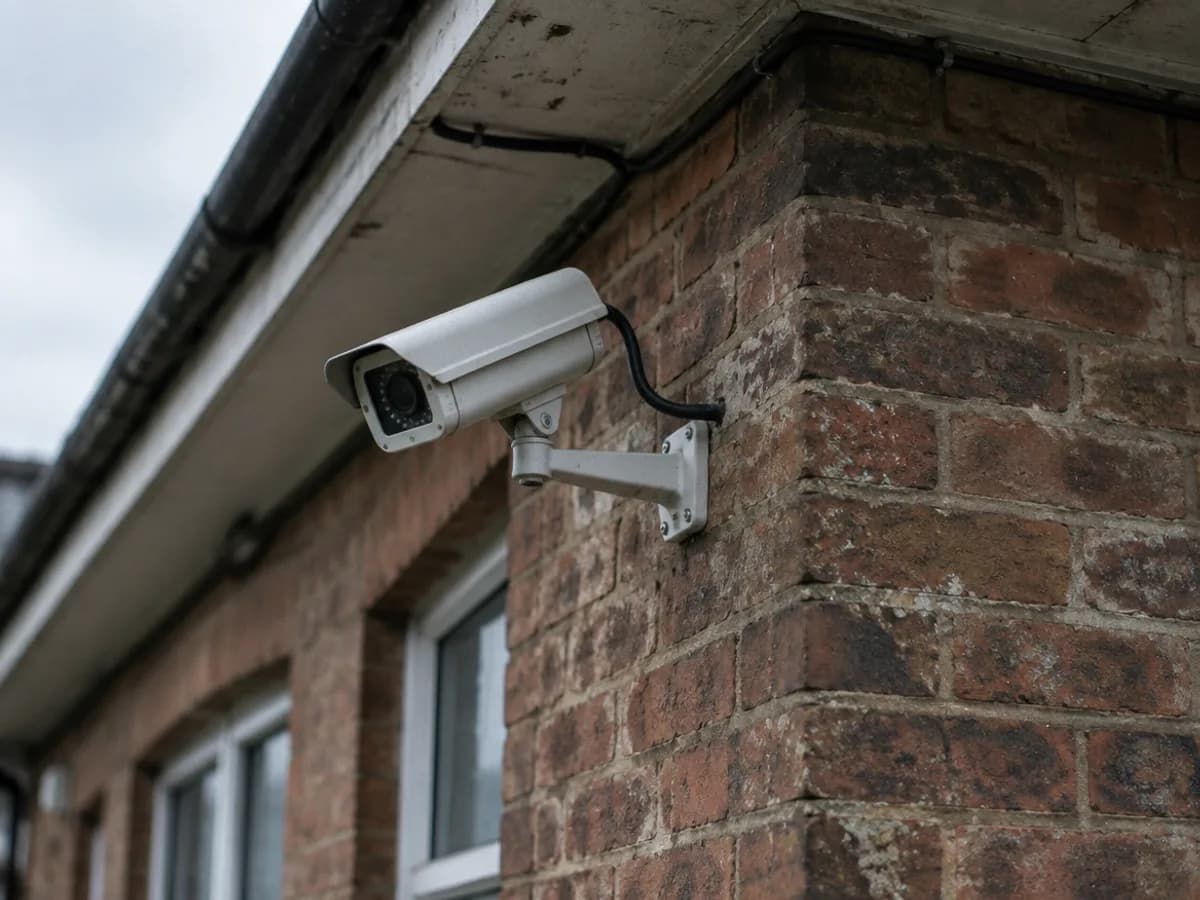
This is where HD analog earns its place. Many homes and businesses already have coax running to camera positions from an older system. Pulling new Ethernet cable through finished walls, attics and exterior soffits can be the most disruptive part of a camera install.
With HD-over-coax, the existing cable runs can often stay. You replace the cameras at one end and the recorder at the other, and the picture jumps from standard definition to HD. The 5MP analog cameras we carry also have a motorized zoom lens you adjust from the recorder, so framing can be set from the ground instead of a ladder.
The catch is the condition of the cable. Old coax that has been kinked, water-damaged or badly spliced won't carry an HD signal reliably. We check the existing runs before recommending this route.
Kit
Coax Upgrade Kit — 4 cameras
HD picture on the coax already in your walls — a recorder and four cameras that reuse every cable run you have.
 1×1 × HD Digital Video Recorder (DVR)
 2×2 × HD Analog Camera
- 2×2 × HD Analog Camera
Which one makes sense for you?
IP is usually the better fit when:
- There's no existing camera wiring, so new cable is going in anyway
- You want the highest resolution available and the camera's built-in detection features
- The system is likely to grow, or needs to share the building's network cabling
- You prefer one cable per camera for both power and video
HD analog is usually the better fit when:
- Sound coax already runs to the positions you want
- Opening walls or ceilings would be difficult or expensive to repair
- You want better picture quality from an existing layout with the least disruption
Some properties end up with both: analog on the existing runs, and a couple of IP cameras added where new cable is easy to pull. The DVR's extra IP channels make that straightforward.
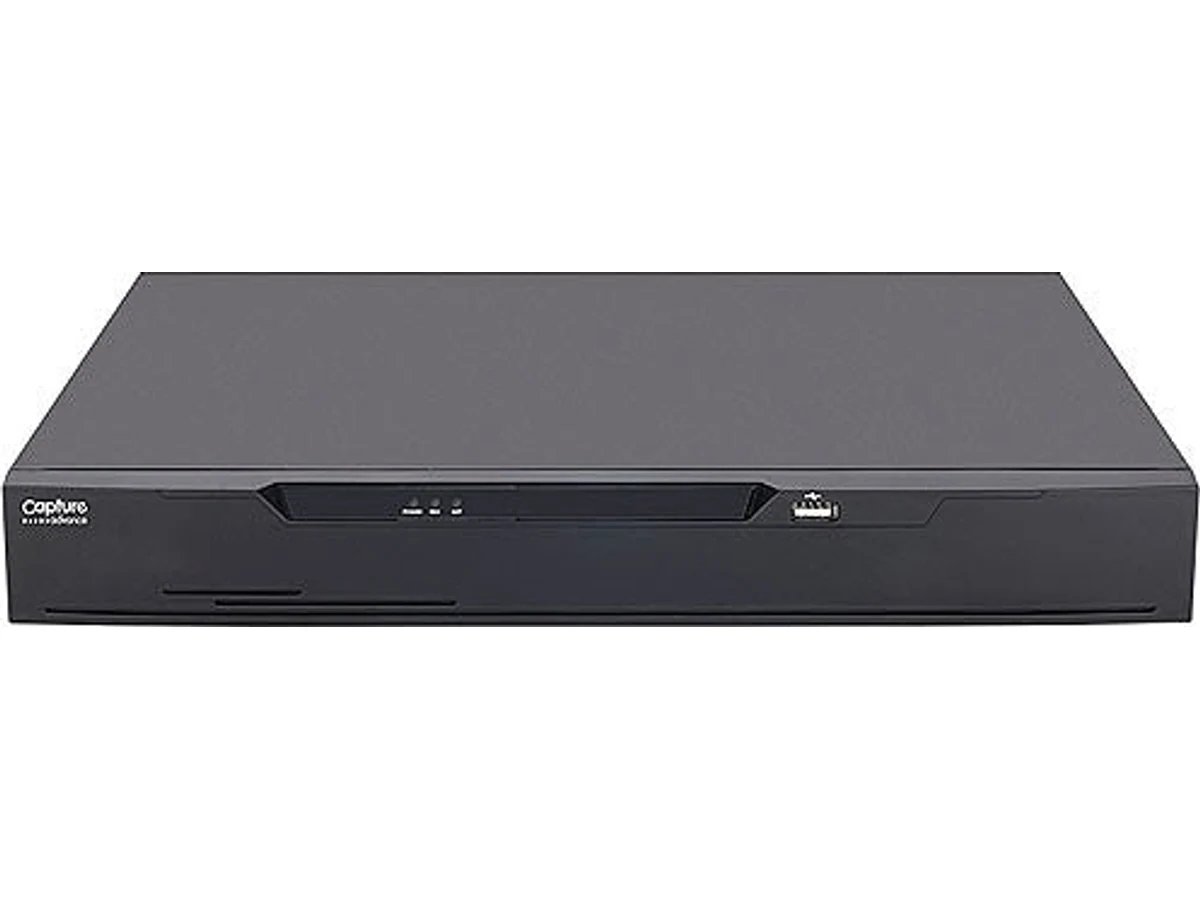
Capture Advance
HD Digital Video Recorder (DVR)
The recorder for coax-cabled cameras — including the ones already on your building, so you can upgrade the picture without rewiring.
- 5MP
- 4CH–16CH
- install available
Getting it right the first time
The best camera system is the one whose cameras are in the right places, recording the right detail, on cable that will last. Choosing between IP and analog is part of that plan, not the whole of it.
On a free walkthrough we look at what's already in your walls, map out the views you want covered, and tell you which route fits the building — then give you a written scope and a fixed quote. You can also browse the full video surveillance service to see how we plan and install camera systems. Book a free walkthrough.
Sources
- 802.3af, at and bt: Exploring Active Power Over Ethernet IEEE Standards — Phihong
- AXIS Power over Ethernet Midspan 8-port datasheet — Axis Communications
- PoE Range — Axis Communications
- Which HD Over Coax Solution is Right for You? — Clinton Electronics
- Capture Advance Network Video Recorder — manufacturer specifications — MasterVizion shop
- Capture Advance HD Digital Video Recorder — manufacturer specifications — MasterVizion shop