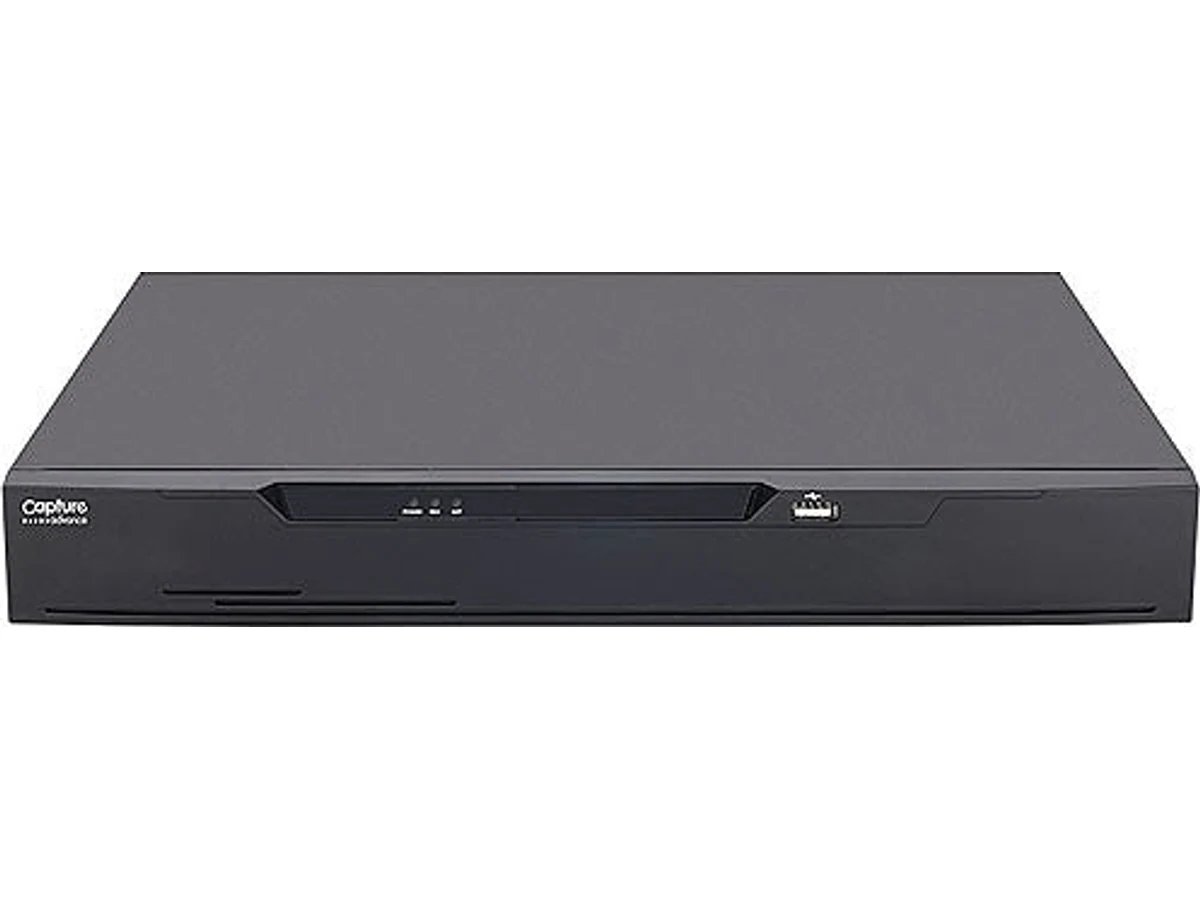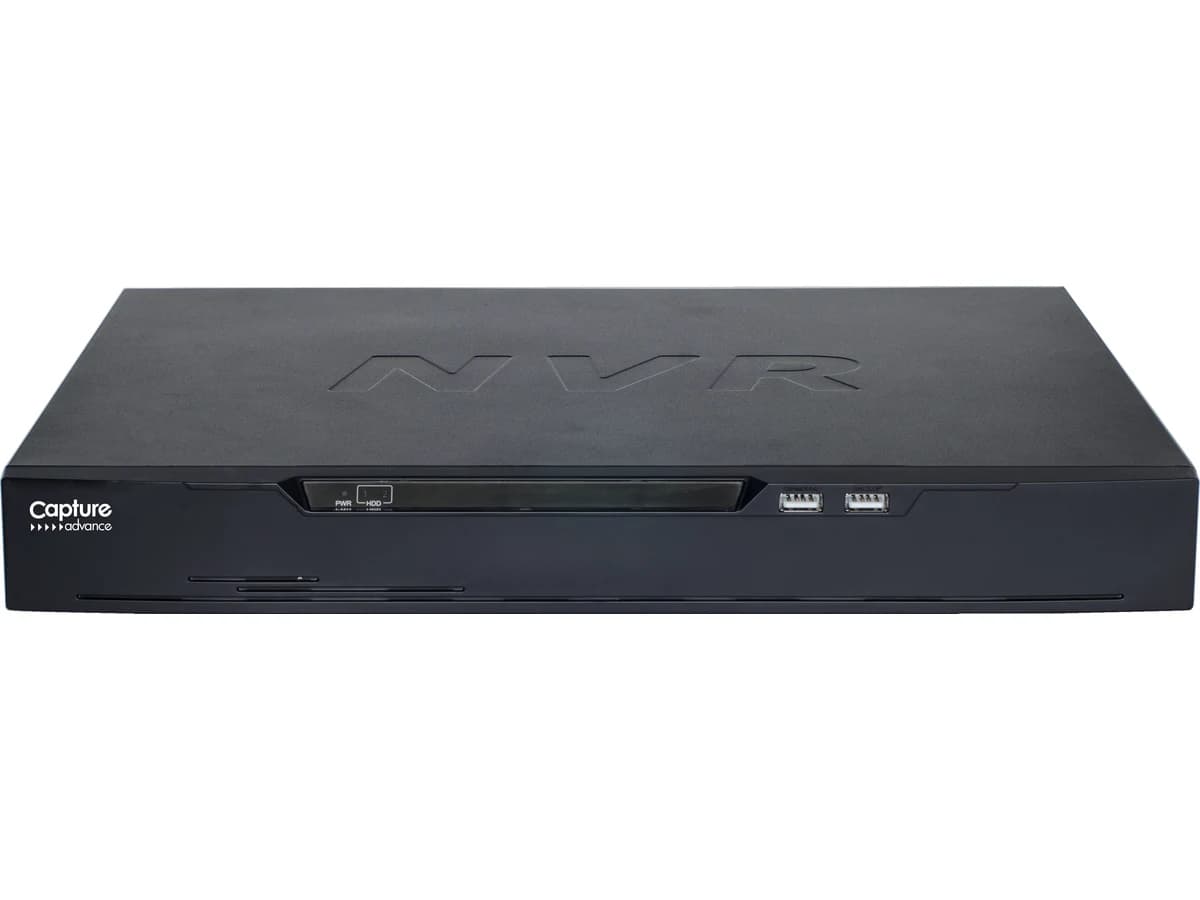
Capture Advance
Network Video Recorder (NVR)
The box that powers your IP cameras over their network cable and keeps the footage — so there's something to look back at weeks later.
- 8MP
- 4CH–16CH
- install available
from $525.99Details
 MasterVizionTechnologies
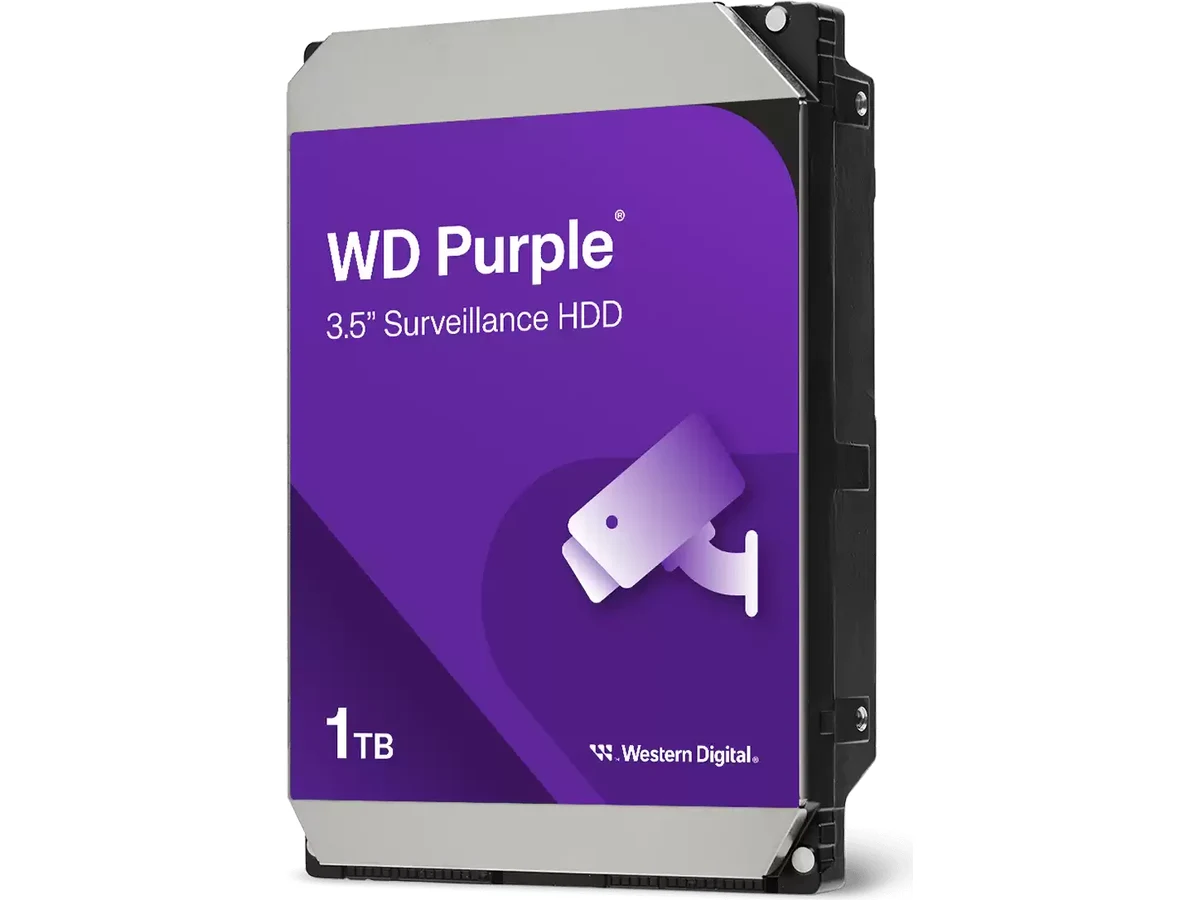 Product photo
Manufacturer product photograph — this is the item that ships.
Straight answer
Never put a desktop drive in a recorder
This is the one piece of advice we'd give away for free. A regular drive in a 24/7 recorder typically fails within a year or two, and it fails silently — you find out when you go looking for footage.
Size it from retention, not from budget
Eight 5MP cameras recording continuously will fill 2TB in days, not weeks. Tell us how far back you want to be able to look and we'll work out the capacity.
Check your recorder's bay count first
The 4-channel NVR takes ONE drive; the 8 and 16 channel take two. That ceiling decides whether you buy one big drive or two smaller ones.
The 12TB is a different class of drive
It's a Purple Pro: 7200 RPM, triple the workload rating and a five-year warranty rather than three. Overkill for a four-camera house, right for a busy commercial system.
Surveillance recording is relentless: every camera writing all day, every day, in a warm box with no rest. Desktop drives are designed for short bursts and will fail early under that load. WD Purple drives are rated for a 180TB-per-year workload with AllFrame firmware that reduces dropped frames during playback, and they'll support up to 64 HD camera streams. The 12TB is a Purple Pro — a step up in performance, workload and warranty.
Fitting a drive is four screws and two cables — most people manage it. Worth knowing: the recorder has to format it before it records, and that's the step people miss. If we're already setting the system up, we'll size it and verify it's actually writing.
| Rotational speed | 2TB and 4TB: 5400 RPM class · 8TB: 7200 RPM · 12TB: 7200 RPM |
|---|---|
| Physical | |
| Form factor | 3.5-inch |
| Recording & capacity | |
| Interface | SATA 6 Gb/s |
| Recording technology | CMR |
| Cache | 256MB |
| Workload rating | Purple: up to 180TB/year · Purple Pro (12TB): 550TB/year |
| MTBF | Purple: up to 1 million hours · Purple Pro: 2.5 million hours |
| Cameras supported | Up to 64 single-stream HD cameras |
| Max drive bays | Western Digital publishes this by capacity: up to 2TB, eight bays · 3TB and above, 16 bays · 8TB and above (AllFrame AI), no stated limit |
| Firmware | WD AllFrame (AllFrame AI on Purple Pro) |
| Transfer rate (sustained) | 8TB (WD82PURZ) and 12TB: up to 245 MB/s. Western Digital does not publish a figure for the exact 2TB and 4TB parts we stock (WD22PURZ, WD42PURZ), and we won’t quote a neighboring model’s number for them |
| Load/unload cycles | Purple: 300,000 · Purple Pro: 600,000 |
| Non-recoverable read errors | <1 in 10^14 bits read |
| RAID error recovery control | Supported |
| Power & environment | |
| Operating temperature | 0°C to 65°C |
Specifications sourced from the manufacturer’s published data.
A box on its own is rarely the whole job. Here’s the honest rest of what makes it work — the integrator’s value, stated plainly.
Capture Advance
The box that powers your IP cameras over their network cable and keeps the footage — so there's something to look back at weeks later.
Warranty
3-year limited (Purple) · 5-year limited (Purple Pro, 12TB) The warranty period begins on the date you receive the product. Our workmanship guarantee covers any installation we perform. Full terms on our Warranty page.
Shipping
Hardware ships to your door and shipping is calculated at checkout; installation, if you add it, is scheduled separately after a walkthrough. See Shipping & returns.
Returns
Unopened, unused hardware can be returned within 30 days of delivery in its original packaging, with a return authorization. Opened but undamaged hardware is subject to a 15% restocking fee. See Shipping & returns for the full policy.
By card, online, through Stripe. You enter your card on Stripe's own secure page — your card number never reaches our site. We don't offer cash on delivery.
Orders delivered to a Texas address are charged Texas sales tax at 8.25% — the 6.25% state rate plus 2% local — on the hardware subtotal plus shipping, because Texas taxes the delivery charge on taxable goods. Tax is shown as its own line before you pay. Orders delivered outside Texas aren't charged Texas sales tax.
We ship to all 50 states and DC, from Dallas–Fort Worth. You pay the shipping at the carrier's live rate: at checkout we compare UPS, FedEx and USPS for your cart and address and show the cheapest carrier for each speed. There's no flat table and no free-shipping threshold, and the price you see is the price you pay.
Dispatch is normally 1–3 business days. Then it's the carrier's transit time for the speed you choose: Standard is 3–5 business days, Express 2 business days, Overnight the next business day. A speed only appears if a carrier will actually do it for your address, and you get a tracking link by email the moment the label is bought.
Every shipment worth more than $500 is insured automatically for its value. It isn't an extra you tick — the insurance fee is already included in the shipping rate you see at checkout.
A projection screen travels flat and long, and a parcel carrier's handling is what damages them. So every screen — and the two kits that include one, the Projection Starter and the Media Room Package — ships by freight, never as a parcel. Within 80 miles of Dallas–Fort Worth we deliver it with installation; anywhere else, checkout offers a "Request a freight quote" form with your cart and address filled in, and we come back with a delivered price.
Yes — every kit is 10% off the total of its parts. The saving shows on the kit page, in the cart and at checkout, and it applies while every part of the kit is in your cart. Discount codes don't apply to kits, since they already carry the kit saving.
We contact you. You choose between an equivalent alternative at the original price or a full refund for that item — we never substitute without asking.
Because it usually isn't the same camera. The housing can be identical while the sensor, lens, low-light behavior, and firmware support are not. We choose equipment we can stand behind for years and service locally, and we'll always tell you plainly what the cheaper look-alike gives up.
Happy to. Bring the cameras, recorder, speakers, or gear you already own — if it's standards-compatible and in good shape, we'll design around it and install it properly. We'll tell you plainly at the walkthrough if a specific piece is holding the system back, but there's no obligation to buy your hardware from us.
Yes. Anything in the shop is real hardware you can buy and take delivery of on its own — a single camera, a recorder, a drive, a speaker, a full kit. Professional installation is an option you add only if you want it, never forced.
Absolutely. Everything in the shop is yours to install. Each product page gives an honest read on how hard the self-install actually is, and where having us do it is worth it — usually hidden cable, overlapping camera coverage, or anything going inside walls.
Yes. A new recorder with the cameras you already have, or new speakers on your existing wiring, is a common job. We check compatibility at the walkthrough so the parts actually work together.
No. Walkthroughs are free and carry no obligation, whether you end up buying hardware from us, bringing your own, or deciding not to go ahead.
Installation isn't charged today. Aji quotes it after a free walkthrough. Adding it is a request, not a purchase — you pay for the hardware at checkout and nothing for installation until you've approved Aji's quote.
Chosen by how the system actually fits together, not by category.
Capture Advance
The box that powers your IP cameras over their network cable and keeps the footage — so there's something to look back at weeks later.
Capture Advance
The recorder for coax-cabled cameras — including the ones already on your building, so you can upgrade the picture without rewiring.
Book a free, no-obligation walkthrough — we'll tell you exactly what your property needs before you buy a thing.