Key takeaways
- Pick the screen from the seats back: SMPTE's guidance is for the screen to fill at least 30 degrees of your view, and THX recommends about 40 degrees for a more cinematic seat.
- Screen gain describes how much light a screen reflects compared with a matte white reference of 1.0. Higher gain is brighter straight on but narrows the viewing angle.
- The ITU reference 5.1 layout puts the front speakers 30 degrees either side of center and the surrounds between 100 and 120 degrees, at roughly ear height.
- A 5.1 system needs an AV receiver to decode and power it. MasterVizion doesn't currently sell receivers.
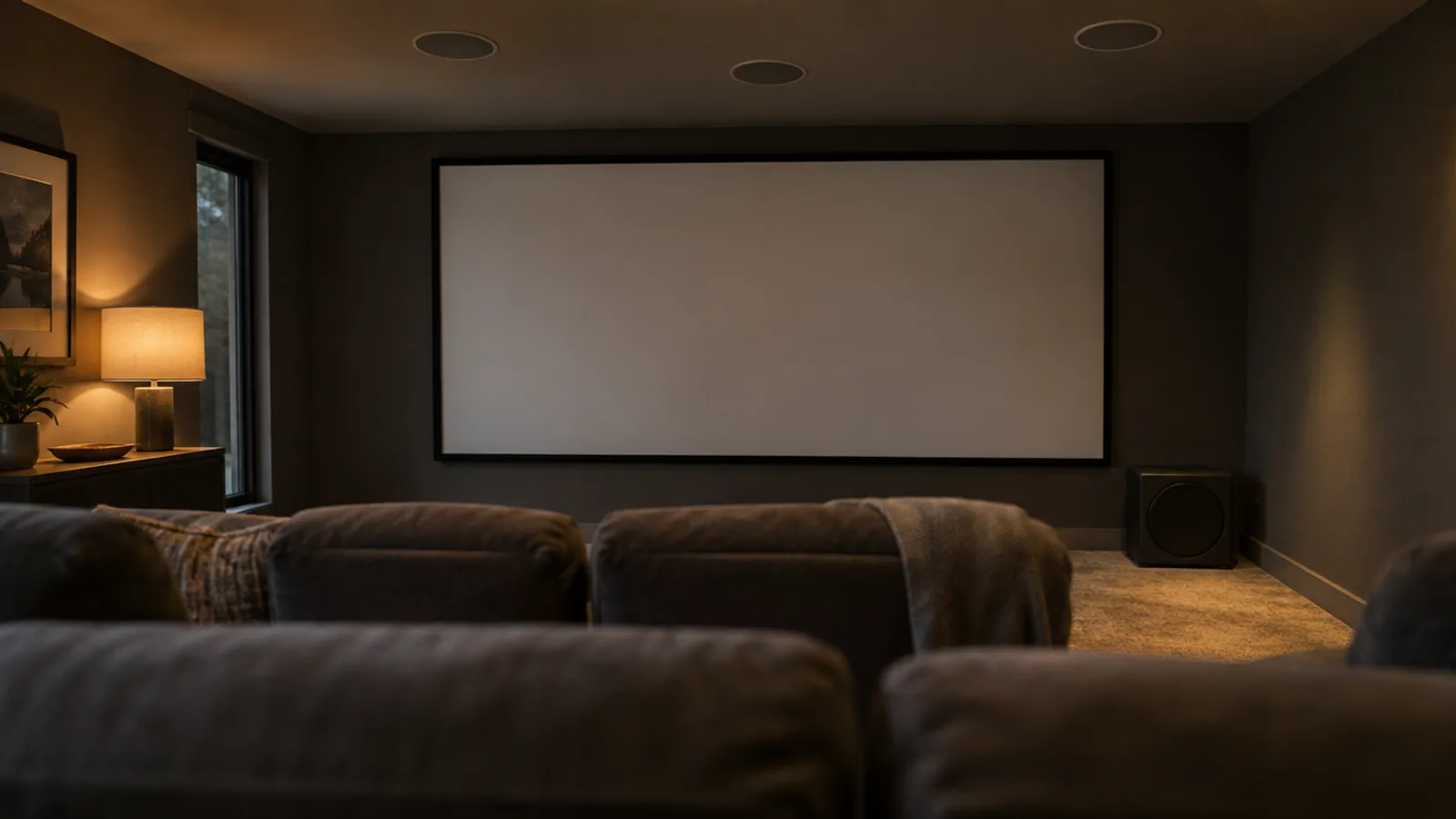
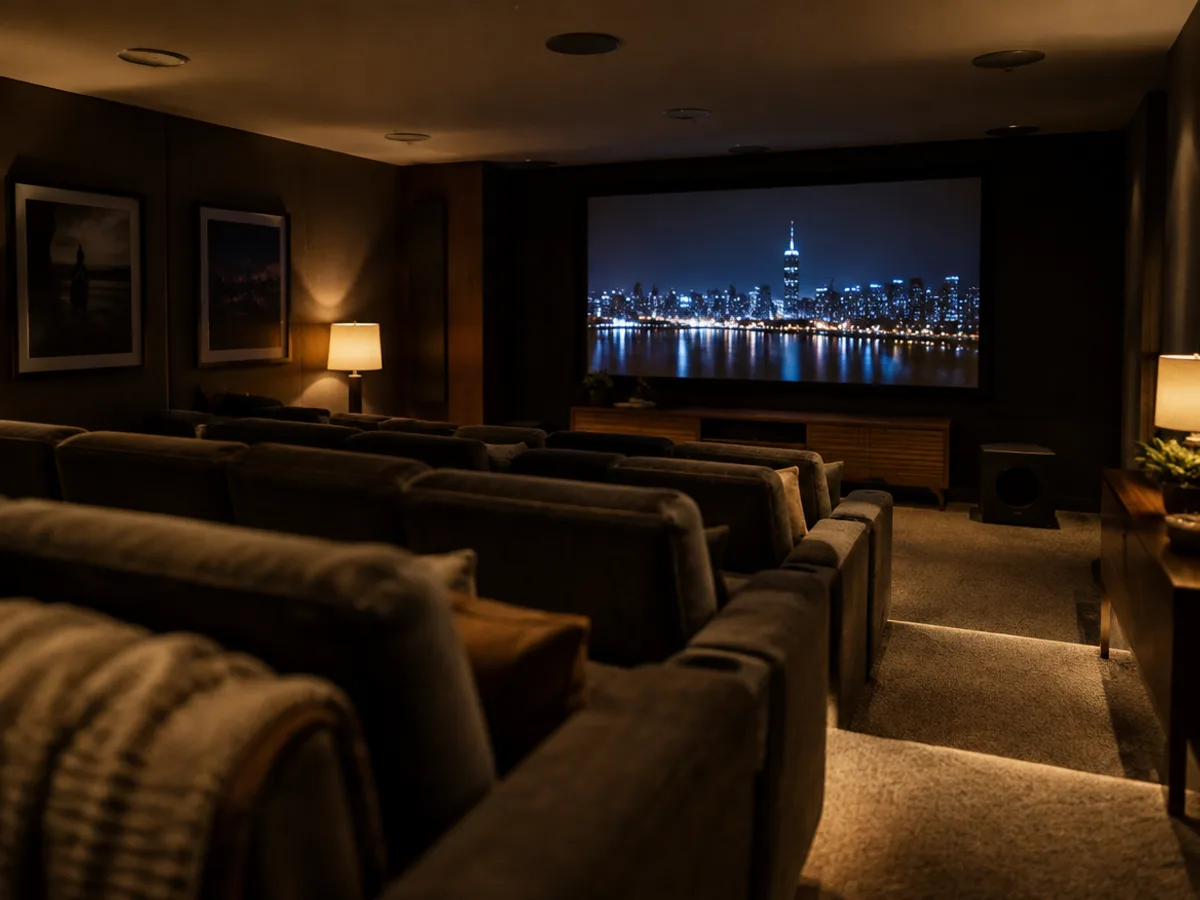
A home theater is really two projects that have to agree with each other: a picture sized for the seats, and sound placed around those same seats. Get the geometry right and a modest room feels like a cinema. Get it wrong and even expensive equipment disappoints.
This guide works through it in order — screen, surface, speakers, subwoofer — using published guidance rather than rules of thumb.
Start with the seats, not the screen
The most useful way to size a screen is by viewing angle: how much of your field of view the picture fills from the main seat.
Two widely used references — the SMPTE standards body and the THX certification program — give guidance, summarized by the review site RTINGS:
- The Society of Motion Picture and Television Engineers (SMPTE) recommends the screen fill "a minimum of 30°" of your field of view for a good experience with mixed viewing.
- THX recommends about 40 degrees as the more immersive, cinematic target.
Any seat between those two angles is a sound choice. Nearer 30° suits a room that's also used for everyday TV; nearer 40° suits movies.
Seating distance for common screen sizes
The geometry is straightforward: for a 16:9 screen, the distance that gives a particular viewing angle is the screen width divided by twice the tangent of half that angle. Here it is worked out for the four sizes of the Elite Screens fixed-frame screen we carry:
| Screen (16:9 diagonal) | Seat for a 40° view | Seat for a 30° view |
|---|---|---|
| 100" | about 10.0 ft | about 13.6 ft |
| 120" | about 12.0 ft | about 16.3 ft |
| 135" | about 13.5 ft | about 18.3 ft |
| 150" | about 15.0 ft | about 20.3 ft |
Distances are measured from the eyes of the main seat to the screen. If your main seat is 13 feet back, for example, a 120-inch screen gives you close to the THX target, and a 100-inch screen sits comfortably inside the SMPTE range.

Elite Screens
Fixed-Frame Projection Screen
A permanently tensioned screen in a black velvet frame — the flat, dead-black border that makes a projected image look like a picture instead of a light on a wall.
- 4K/8K UHD
- 100"–150"
- install available
What screen gain means
Screen gain is how much light a screen reflects, measured straight on. Elite Screens defines it against "an NIST traceable lambertian white reference standard which has a 1.0 gain. The higher the gain number, the more luminance a screen reflects back."
Gain is a trade-off rather than a bonus. Elite Screens explains that high-gain screens get their brightness from "a narrower concentration of the half-gain cone" — in other words, they're brighter in the center seats and dimmer off to the sides.
The CineWhite UHD-B surface on the screen we sell has a gain of 1.3, which Elite Screens describes as having "wide diffusion uniformity that allows equal brightness levels over a 180° viewing angle," and it's ISF certified for color accuracy. For a room you can darken, that's a balanced choice: a little brighter than a reference white, without a narrow sweet spot.
No screen surface can beat daylight, so plan for control of the room light — blinds or shades — from the start.
Laying out a 5.1 speaker system
"5.1" means five full-range speakers plus one subwoofer: left, center and right at the front, two surrounds, and the ".1" for bass. The International Telecommunication Union's reference layout, Recommendation ITU-R BS.775, is the standard most setup guides are built on.
The front stage: left, center, right
The left and right speakers sit 30 degrees either side of the center line, measured from the main seat. The center speaker sits directly ahead, at 0 degrees. It carries most of the dialogue, so it should be as close to the screen as possible — usually centered just above or below it.
Dolby's setup guidance adds a simple rule for height: aim the speakers at the central seating point and keep them "at your ear height when you are seated, unless noted otherwise." For in-ceiling front speakers, angled drivers help put the sound back toward the screen and the listener. The Proficient LCR speakers we sell have a driver bridge fixed at 15 degrees toward the listener on the in-ceiling models, per the manufacturer.
Kit
5.1 Home Theater Speaker Package
Three in-ceiling LCR speakers across the front, a surround pair behind, and a powered subwoofer — the speaker half of a 5.1 room, flush and out of sight.
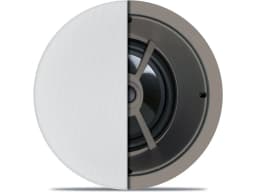 3×3 × LCR Speaker
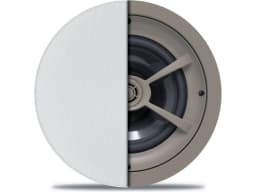 1×1 × In-Ceiling Speaker Pair
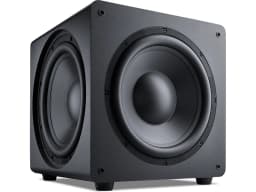 1×1 × Powered Subwoofer
The surrounds
ITU-R BS.775 places the two surround speakers within the sectors from 100 to 120 degrees from center front — slightly behind the main seat on each side — and notes their precise location "is not necessary." That tolerance is useful: in a real room, doors and windows often decide where a surround can go.
In-ceiling or in-wall?
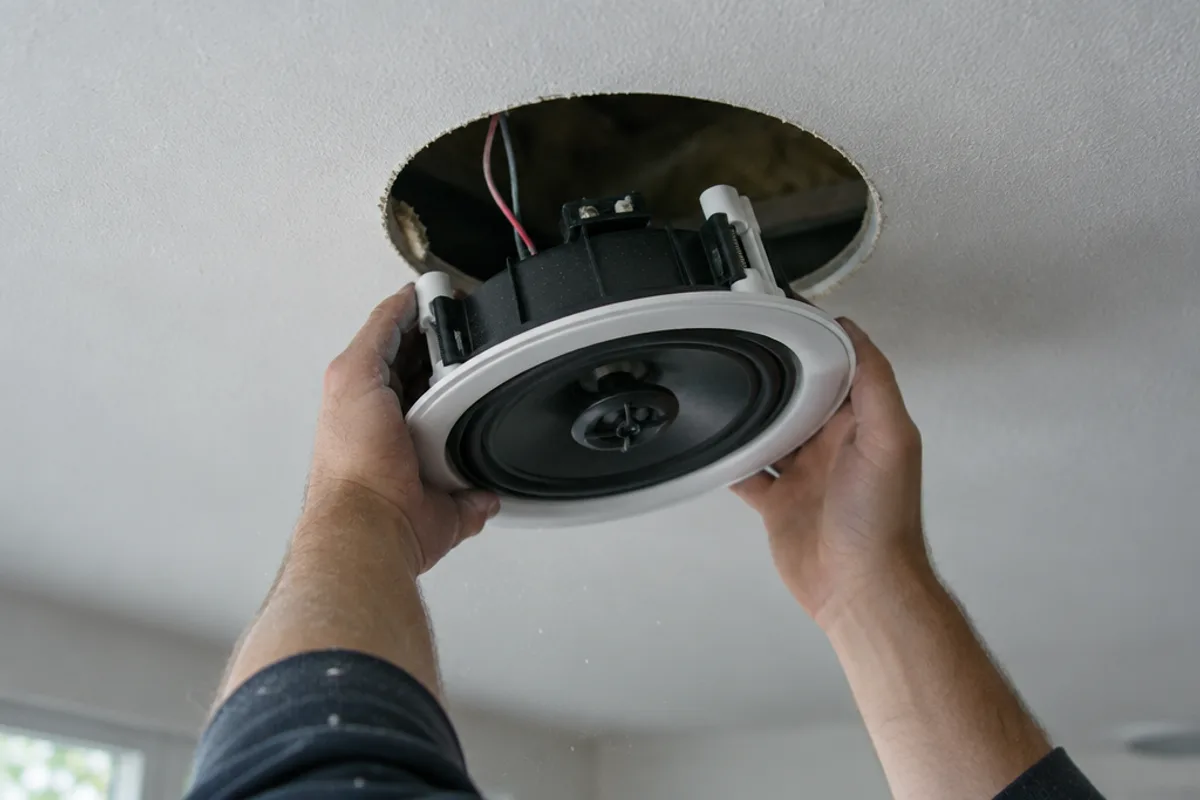
Both keep the room clean. In-wall speakers are closer to ear height, which suits the front stage. In-ceiling speakers are easier to place where walls are full of windows, doors or shelving, and they suit surrounds in many rooms. Many good systems mix the two: in-wall at the front, in-ceiling for the surrounds.
The subwoofer
The subwoofer produces the lowest octaves, which in-wall and in-ceiling speakers can't reach. The ITU layout treats its exact position as flexible rather than fixed, because low bass is hard to locate by ear. In practice, rooms reinforce and cancel bass differently at different spots, so it's worth trying a few positions before settling. Dolby's installation guidelines also recommend checking subwoofer levels by hand after the receiver's automatic setup, since "some home theater systems do not correctly set the levels."
The Proficient powered subwoofers we sell have an adjustable crossover from 50 to 160 Hz, which sets where the subwoofer takes over from the main speakers. They stand on the floor and need a power outlet within reach.
You'll need an AV receiver
A 5.1 system needs an AV receiver: it decodes the surround soundtrack from your streaming box, disc player or TV, sends each channel to the right speaker, and powers the passive speakers. The speakers and screen in our packages don't include one, and MasterVizion doesn't currently sell AV receivers. We'll help you choose one that fits the system and connect it properly.
Putting the room together
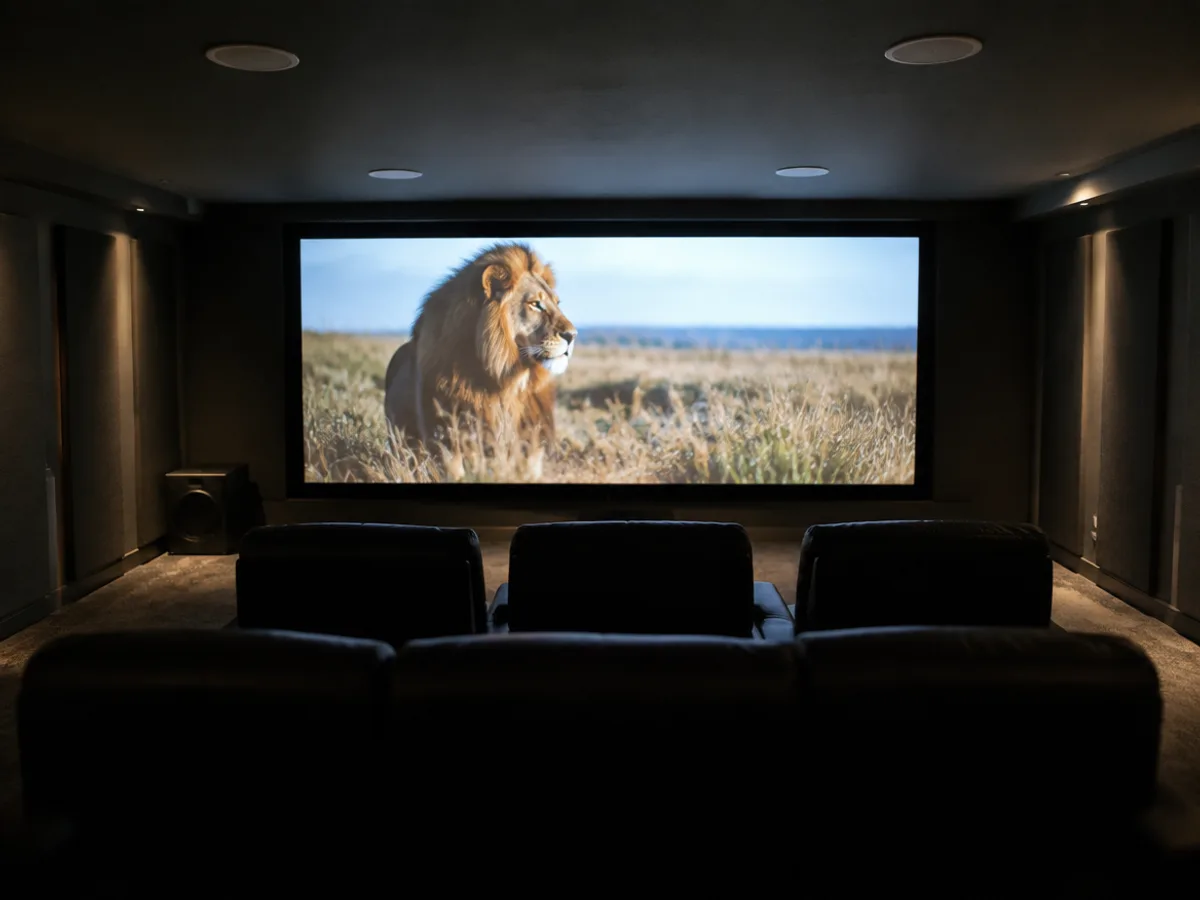
The Media Room Package pairs the fixed-frame screen and a projector ceiling mount with the same 5.1 speaker set — a complete starting point for a dedicated room, before the projector and receiver.
Kit
Media Room Package
The Projection Starter and the 5.1 speaker package together — the screen, the mount and every speaker a media room needs.
 1×1 × Fixed-Frame Projection Screen
 1×1 × Universal Projector Ceiling Mount
- 3×3 × LCR Speaker
- 1×1 × In-Ceiling Speaker Pair
- 1×1 × Powered Subwoofer
Getting the geometry right
Every room is different: where the seats go, which walls are free, where a subwoofer can live, and how much light you can control. Measuring those and working out the angles is the first thing we do.
See our distributed audio and home theater service, or book a free walkthrough — we'll measure the room, lay out the screen and speakers, and give you a written scope and a fixed quote.
Sources
- TV Size To Distance Calculator (And The Science Behind It) — RTINGS.com
- Recommendation ITU-R BS.775-1: Multichannel stereophonic sound system with and without accompanying picture — International Telecommunication Union
- Quick Guide to Projection Screen Terminology — Elite Screens
- CineWhite UHD-B screen material — Elite Screens
- Dolby Atmos Home Theater Installation Guidelines — Dolby Laboratories
- 5.1 Virtual Speaker Setup — Dolby Laboratories